

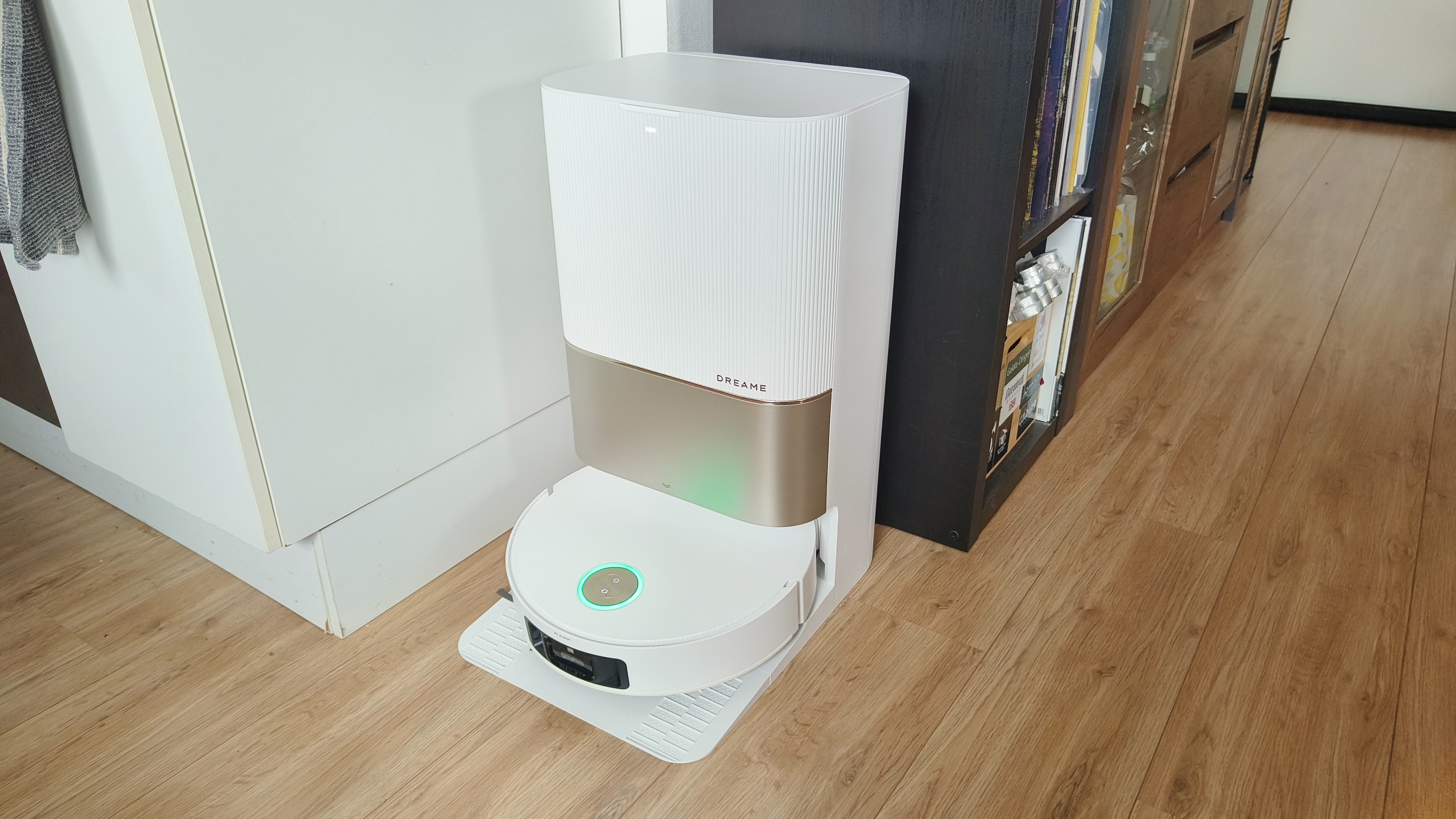
Robot vacuum cleaners have revolutionized the way we clean our homes. With their advanced features, self-charging capabilities, and ability to navigate through complex spaces, these smart devices are a game-changer for busy households. However, like any piece of technology, they require proper maintenance to ensure they continue performing at their best. Regular upkeep will not only prolong the life of your robot vacuum but also keep it running smoothly for years to come.
In this article, we’ll walk you through some essential maintenance tips to help you get the most out of your robot vacuum cleaner, ensuring it stays in top shape while delivering optimal performance.
1. Regularly Clean the Brushes
Keep Your Brushes Tangle-Free
One of the most important parts of your robot vacuum is its brushes. These rotating brushes work hard to pick up dirt, debris, and pet hair from your floors. Over time, they can get tangled with hair, string, or dust, which can reduce suction power and prevent the vacuum from working efficiently.
Tip:
-
Remove and Clean the Brushes: At least once a week (or more often if you have pets), remove the brushes and clean them thoroughly. Use a small cleaning tool or scissors to cut away any hair or debris that may have wrapped around the brush.
-
Use Warm Water: Wash the brushes with warm water to remove any remaining dust or dirt, and let them dry completely before reattaching them to the vacuum.
Why It Matters:
Cleaning the brushes ensures that your vacuum picks up debris effectively, maintains suction power, and runs smoothly without any obstructions.
2. Empty the Dustbin Regularly
Don’t Let the Dustbin Overflow
Your robot vacuum’s dustbin collects dirt, dust, and debris during each cleaning cycle. If you let it fill up completely, it can affect the vacuum’s performance, reduce suction power, and even cause the vacuum to stop mid-cleaning.
Tip:
-
Empty After Each Use: Empty the dustbin after every cleaning session, especially if you have pets or heavy foot traffic. This will prevent it from overflowing and ensure that your vacuum has enough space to collect debris the next time it cleans.
-
Clean the Dustbin: Occasionally, clean the dustbin with a damp cloth to remove any trapped dust or grime. Be sure to dry it thoroughly before reattaching it to the vacuum.
Why It Matters:
An empty dustbin ensures that the vacuum can continue cleaning effectively without becoming bogged down by excess debris. It also prevents the buildup of bacteria or odors inside the vacuum.
3. Check the Wheels and Sensors
Ensure Smooth Navigation
Robot vacuums rely on wheels and sensors to navigate your home and avoid obstacles. Over time, these components can get clogged with dust or debris, which can interfere with their movement and navigation.
Tip:
-
Clean the Wheels: Every few weeks, inspect the wheels of your robot vacuum. Use a soft cloth or brush to remove any dust, hair, or dirt that might have accumulated around the wheels. This will ensure that the vacuum can move freely without getting stuck.
-
Wipe the Sensors: Wipe down the sensors with a microfiber cloth to keep them free from dust and dirt. Clean sensors help the vacuum detect obstacles and navigate efficiently.
Why It Matters:
Clean wheels and sensors ensure that the vacuum can navigate your home smoothly, avoid obstacles, and avoid getting stuck, resulting in a more efficient cleaning session.
4. Clean the Filter Regularly
Keep the Airflow Strong
Most beste robotstofzuiger vacuums come equipped with a filter that traps fine dust, allergens, and particles. Over time, the filter can become clogged with dust and debris, reducing the vacuum’s suction power and making it less effective.
Tip:
-
Wash or Replace the Filter: Check the manufacturer’s recommendations for how often to clean or replace the filter. Typically, you’ll want to clean it once a month, but if you have pets or suffer from allergies, you might need to clean it more often.
-
Dry Completely: If your filter is washable, make sure it’s completely dry before reinserting it into the vacuum. A damp filter can cause mold growth and affect the vacuum’s performance.
Why It Matters:
A clean filter ensures strong airflow and suction power, allowing your vacuum to collect dirt more effectively. It also helps maintain the vacuum’s efficiency and prolongs its lifespan.
5. Keep the Charging Contacts Clean
Ensure Proper Charging
Your robot vacuum needs to be properly charged to operate, and that requires clean charging contacts. Over time, dust and grime can build up on the charging contacts, which can lead to charging issues, like the vacuum not charging properly or failing to return to the charging dock.
Tip:
-
Wipe the Charging Pins: Every few weeks, inspect the charging contacts on both the robot vacuum and the charging dock. Use a microfiber cloth to gently wipe away any dust or residue.
-
Check the Charging Station: Ensure the charging dock is in a clear, accessible area. Any obstruction around the dock can prevent the vacuum from docking correctly.
Why It Matters:
Clean charging contacts ensure that your robot vacuum charges efficiently, so it’s always ready to go when you need it. If the vacuum doesn’t charge properly, it could leave you with a half-cleaned home or a vacuum that’s out of power when you need it most.
6. Update the Software Regularly
Keep It Smart
Many modern robot vacuums come with smart features that allow you to schedule cleaning, control the vacuum via an app, and update its software. Just like any other smart device, your robot vacuum may receive software updates that improve its functionality, add new features, or fix bugs.
Tip:
-
Check for Updates: Regularly check for software updates in your vacuum’s mobile app (or via the manufacturer’s website). Keeping the software up to date will ensure your vacuum is running at its best and may even unlock new features.
Why It Matters:
Regular software updates ensure that your robot vacuum stays current with the latest improvements, helping it clean more efficiently and extend its lifespan.
7. Store Your Vacuum Properly
Avoid Damage When Not in Use
When you’re not using your robot vacuum, storing it properly can help protect it from dust, dirt, or damage. While most robot vacuums are durable, proper storage can prolong their life.
Tip:
-
Store in a Dry, Clean Area: Place the vacuum in a dry area where it’s not exposed to extreme temperatures or humidity. Avoid leaving it on the floor in areas that might get dirty or dusty.
-
Keep the Docking Station Accessible: Store the vacuum near its charging dock so it can easily return to its station when needed.
Why It Matters:
Proper storage protects your vacuum from damage and ensures that it’s always ready to work when you need it.
Final Thoughts
A robot vacuum is a powerful tool that can save you time and effort in keeping your home clean. But like any machine, it requires regular maintenance to ensure optimal performance. By following these simple maintenance tips—cleaning brushes, emptying the dustbin, checking sensors, cleaning the filter, and keeping the charging station in good condition—you’ll keep your robot vacuum running like new.
Investing a little time in maintenance will not only extend the life of your robot vacuum but will also help it perform more effectively, so you can enjoy a cleaner home with less hassle. So, give your vacuum the care it deserves, and it’ll continue to take care of your floors!