
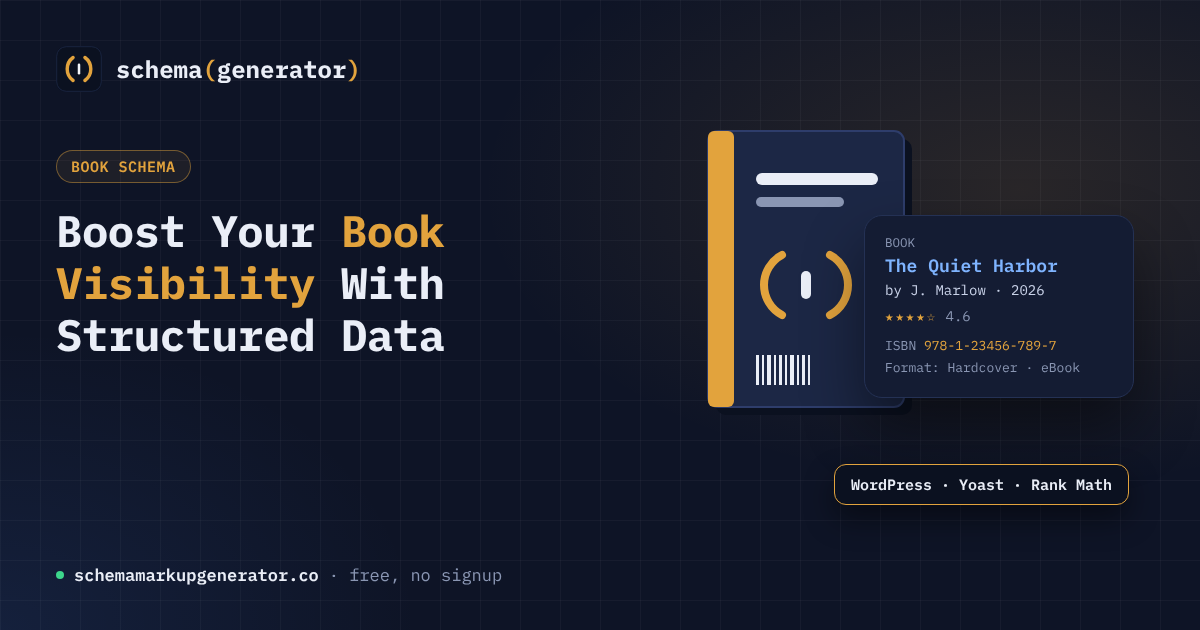
If you are looking for a simple way to add rich search results for your titles, the book schema generator is the tool you need. It is a free, browser-based tool that creates Book schema. You enter the title, author, ISBN, format and publish date, and copy the code it generates. No signup is needed. It also explains how to add the code in WordPress (WPCode, Yoast, Rank Math) or on static HTML sites.
Why Structured Data Matters for Books
Search engines use structured data to understand the content of a page more precisely. When a book page includes proper schema markup, the result can show the title, author, rating, and even price directly in the search snippet. This extra information attracts clicks, improves visibility, and helps potential readers discover your work faster. Using a dedicated book schema generator ensures the markup follows the latest standards set by schema.org.
How the Free Book Schema Generator Works
The tool follows a straightforward workflow:
- Enter basic book details: Title, author, ISBN, format (hardcover, ebook, etc.), and the publish date.
- Generate JSON‑LD code: The generator instantly creates a block of JSON‑LD markup that complies with schema.org specifications.
- Copy and paste: You simply copy the code and insert it into your website’s head section or wherever the platform allows custom scripts.
Because the service runs entirely in the browser, no data is stored on a server and there is no need for an account. This makes it ideal for authors, publishers, and marketers who need a quick, secure solution.
Step by Step: Creating Your Book Markup
Below is a quick guide you can follow each time you need to add schema to a new title.
Step 1, Gather the information
Collect the exact book title, full author name, ISBN‑13, the format (print, ebook, audiobook), and the official publish date.
Step 2, Open the generator
Navigate to the tool’s homepage, where you will see a clean form with labeled fields.
Step 3, Fill in the fields
Enter each piece of information into its corresponding input box. The interface validates the ISBN format automatically.
Step 4, Review the preview
A live preview shows the JSON‑LD code that will be generated. You can expand the view to see the full markup.
Step 5, Copy the code
Click the “Copy to clipboard” button. The markup is now ready to be placed on your site.
Adding the Code to WordPress
WordPress users have several options for inserting the generated markup.
Using WPCode
- Install and activate the WPCode plugin.
- Create a new snippet, choose “Header” as the location, and paste the JSON‑LD code.
- Save and enable the snippet. The markup will appear on every page, or you can limit it to specific posts using WPCode’s conditional logic.
Using Yoast SEO
- Open the Yoast SEO dashboard and go to the “Search Appearance” tab.
- Scroll to the “Schema” section and select “Custom schema”.
- Paste the JSON‑LD code into the provided textarea and save changes.
Using Rank Math
- In Rank Math’s dashboard, navigate to “Schema Templates”.
- Choose “Add New” and select “Book” as the type.
- Replace the auto‑generated fields with the code from the generator and assign the template to your book posts.
Implementing on Static HTML Sites
If your site consists of plain HTML files, the process is even simpler.
- Open the HTML file that represents the book page in a text editor.
- Locate the “ section.
- Paste the copied JSON‑LD script just before the closing “ tag.
- Save the file and upload it to your server via FTP or your preferred deployment method.
Because the markup is placed in the head, it does not affect the visual layout of the page.
Common Mistakes to Avoid
- Missing required fields: Leaving out the ISBN or publish date can cause the markup to be ignored.
- Incorrect JSON syntax: A stray comma or missing quotation mark will break the script. Use a JSON validator if unsure.
- Placing the code in the body: Search engines expect JSON‑LD in the head or as a standalone script tag.
- Using outdated schema versions: The generator always outputs the latest schema.org version, so avoid hand‑coding older formats.
Testing and Verifying Your Markup
After adding the schema, run a quick test to confirm it is recognized.
- Google’s Rich Results Test: Paste the page URL or the raw code to see if the book data is detected.
- Schema Markup Validator: An open‑source tool that checks for errors and warnings.
- Search Console: The “Enhancements” report shows any detected book schema issues.
Address any warnings promptly to keep your pages eligible for rich results.
Benefits of Using This Book Schema Generator
- Speed: Generate accurate markup in seconds without manual coding.
- No sign‑up barrier: The tool is completely free and does not require an account.
- Cross‑platform guidance: Detailed instructions cover WordPress plugins and static sites alike.
- Up‑to‑date standards: The JSON‑LD output follows the latest schema.org recommendations, reducing the risk of deprecation.
- Improved SEO: Proper markup can boost click‑through rates and help your titles rank higher for relevant queries.
Start tagging your titles today and watch the search results shine.